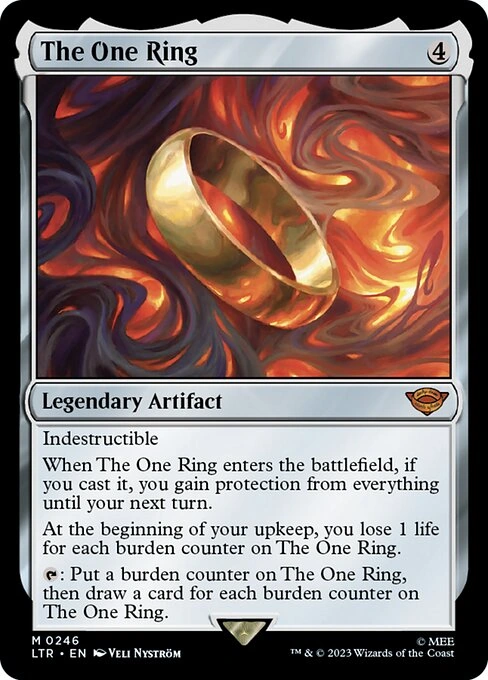
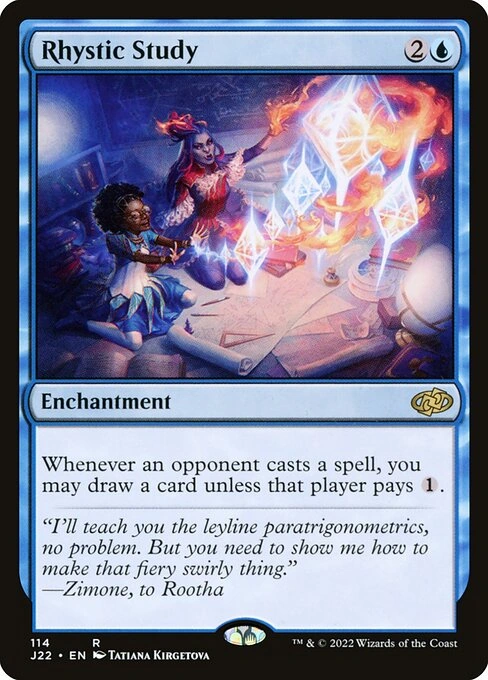
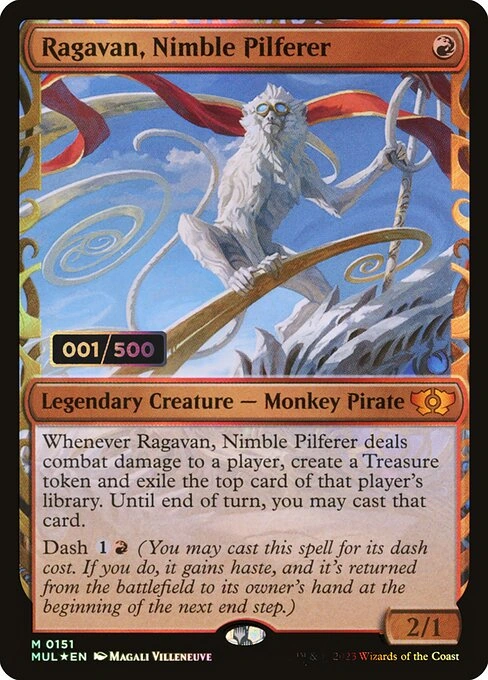
Less searching. More shuffling.
Point your camera at a Magic card to identify it and discover the printing in your hands.

Identify the printing, explore its value, and bring your Magic collection together.
 Download for iPhone

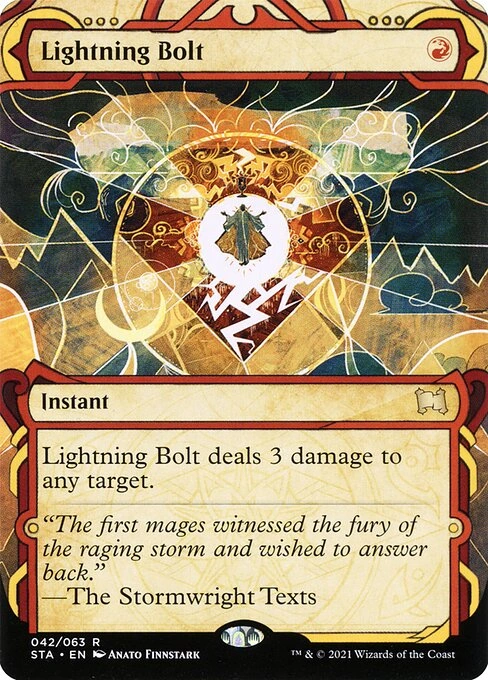

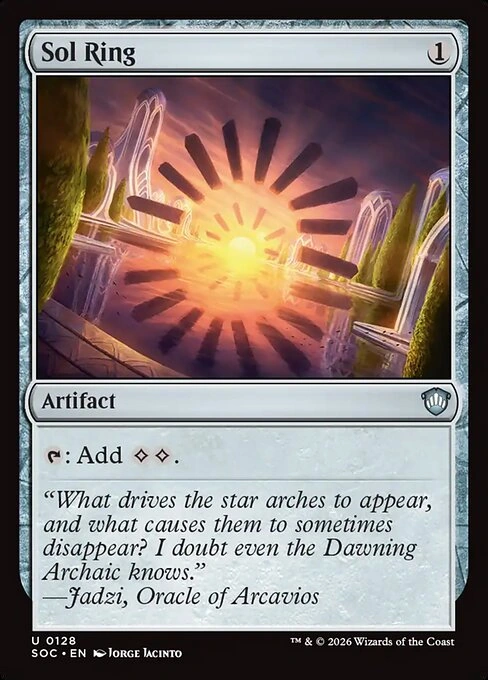
 15 cards collected
 For players & collectors
From your first booster to your next Commander deck, get to know every Magic card you collect.
Point your camera at a Magic card to identify it and discover the printing in your hands.
Bring your staples, favorite artwork, and unforgettable pulls together in one collection.
Explore estimated market values and put your latest addition into perspective.
Clear card details and a familiar iPhone experience help you get back to what you love.
Know the printing. Check the estimate. Keep your collection ready for whatever you play next.
Scan a Magic: The Gathering card and find its name, set, and printing without typing a search.
Explore market estimates as a starting point for comparing cards or planning a trade.
Build a digital home for your cards, from Commander staples to the pulls you will never forget.
Explore printings, finishes, and card details before adding another favorite to your collection.
Keep an overview of your Magic cards and their estimated value as your collection grows.
Three simple steps. A whole collection to discover.
Open MagiSnap, point your camera, and let the app help identify your card.
Review the card, its printing, and the estimated market value.
Save your find and keep your cards ready for the next game, trade, or discovery.
From a first booster to a well-loved Commander deck, every collection has a story.
For the deck buildersKeep your favorite commanders and the cards around them close while planning your next build.
For the organizersSort through your cards, discover their printings, and see familiar artwork in a new light.
For new collectorsNew to Magic? Get to know the cards you opened and start building a collection that is yours.
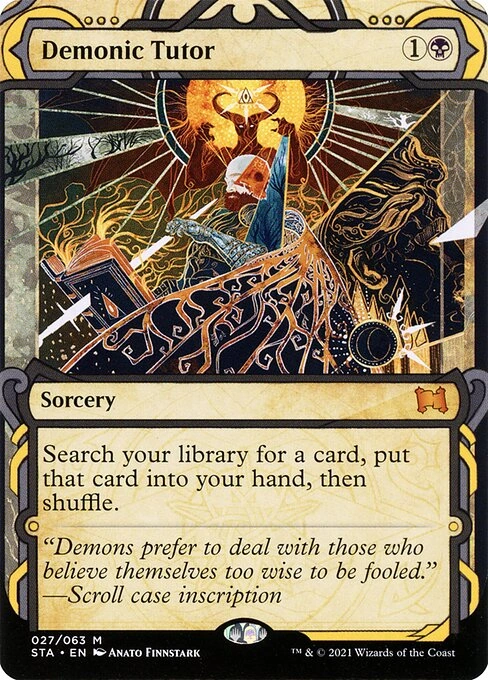 For the trade binder
Check a card’s printing and market estimate before deciding what changes hands.
Sort a binder. Explore a favorite. Get ready for your next game. Start with the cards in your hands.
Get MagiSnap for iPhoneStill have a question? We are happy to help.
Contact support
MagiSnap is an iPhone and iPad app for Magic: The Gathering players and collectors. It helps identify cards and their printings, explore estimated market values, and organize your collection.
Open the scanner and point your camera at the card. Use good lighting and keep the whole card in view. Review the identified printing and finish before saving it.
Our privacy policy explains the account information, usage data, and diagnostics the app may collect, and the services we use. Contact support to request deletion of your account and data.
No. Estimates are not guaranteed sale prices. Printing, language, finish, condition, and demand can all affect a card’s price. Confirm the exact card and compare recent sales before trading.
All MagiSnap app features require a subscription. Check the current plans, prices, and any available trial in the app before subscribing. Manage or cancel your subscription in your Apple account’s subscription settings.
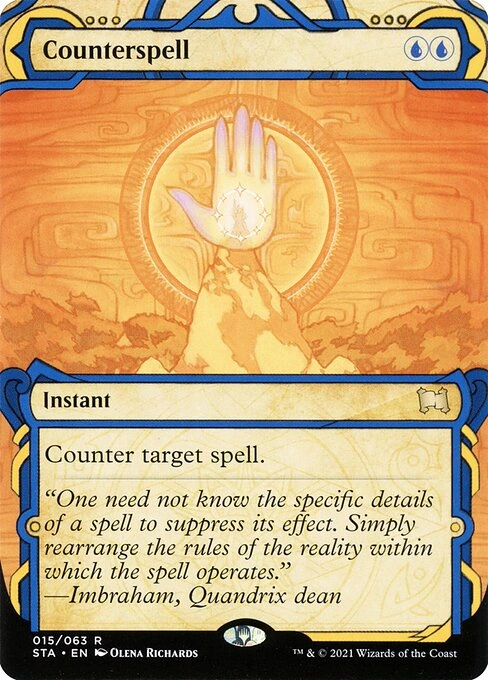
 Identifying card…